Armor and med kits in 1LEFT Battle Royale
A vest takes effect as soon as you pick it up. A med kit goes into your backpack for later. That difference matters when you need to leave a chest quickly.
What each pickup gives you
| Pickup | Effect | Limit |
|---|---|---|
| Vest | Adds up to 40 armor immediately | 80 armor total |
| Med kit | Restores up to 32 health after 2.5 seconds | 3 kits in the bag, 80 health total |
| Frag | Adds a throwable to your inventory | 3 frags |
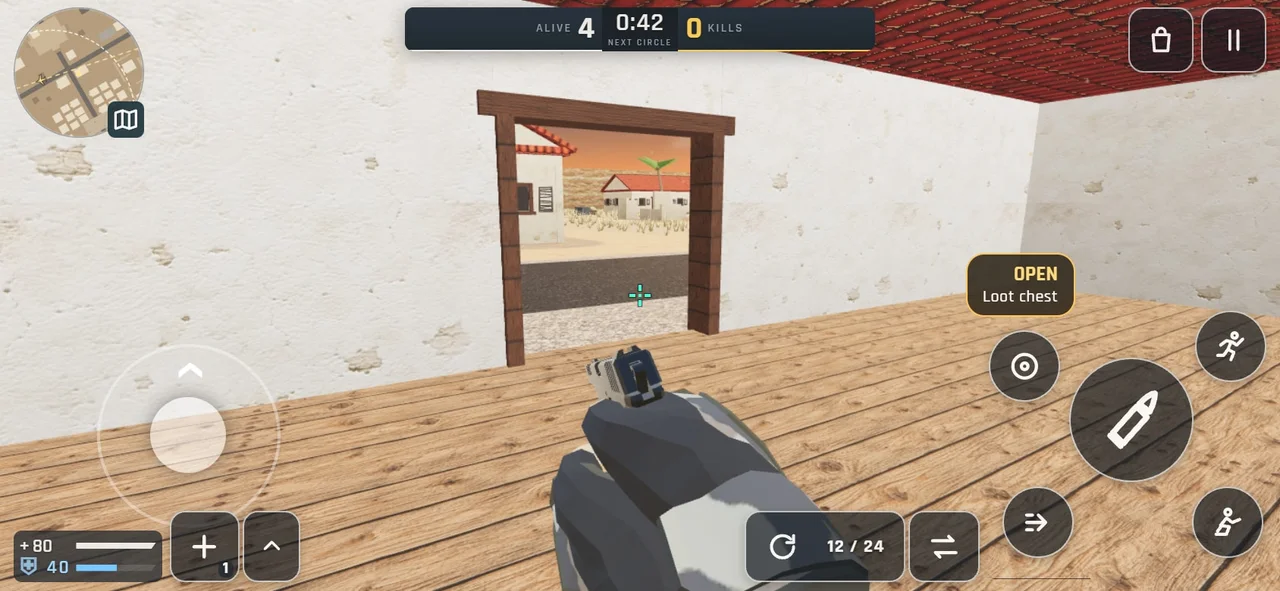
You board the plane with 80 health and 40 armor. A vest after landing can bring your armor to 80. If you already have 65 armor, another vest adds the remaining 15.
Use a kit from your backpack
On desktop, press H with a kit in your bag, or open the backpack with Tab. On touch, open the bag or select Med Kit with the quick-item arrow. You can start a heal once you have landed and your health is below 80.
For example, from 30 health, one completed kit takes you to 62. A second takes you to 80. Firing or switching weapons interrupts the timer. An interrupted kit stays in the bag. If your health is full and your armor is empty, look for a vest.
Before you leave a chest
Check health and armor separately, then look at the safe zone. A full bag cannot take a fourth kit. If you already have three and need health, use one when you have time and collect the spare afterward.